


PLATFORM GUIDES

Superbuy Spreadsheet
Understand the separate purchasing and shipping stages, warehouse inspections and forwarding services offered by Superbuy.
Browse Superbuy product links selected by RepLooks. Open product details for listing prices, product photos and available QC images before buying.
What is the Superbuy spreadsheet?
RepLooks works as a Superbuy spreadsheet: every find links straight to its Superbuy page, next to listing prices, product photos and QC images, so you can compare before you order.
See every find in the spreadsheet →- Listing prices
- Detailed photos
- With QC photos
- Buy with Superbuy
Popular Superbuy finds
A few picks from the RepLooks spreadsheet. Each one opens directly on Superbuy.
 8 QC
8 QC
Moncler Short-Sleeve Polo Shirt with Logo Accents
MX$374.30Superbuy
 8 QC
8 QC
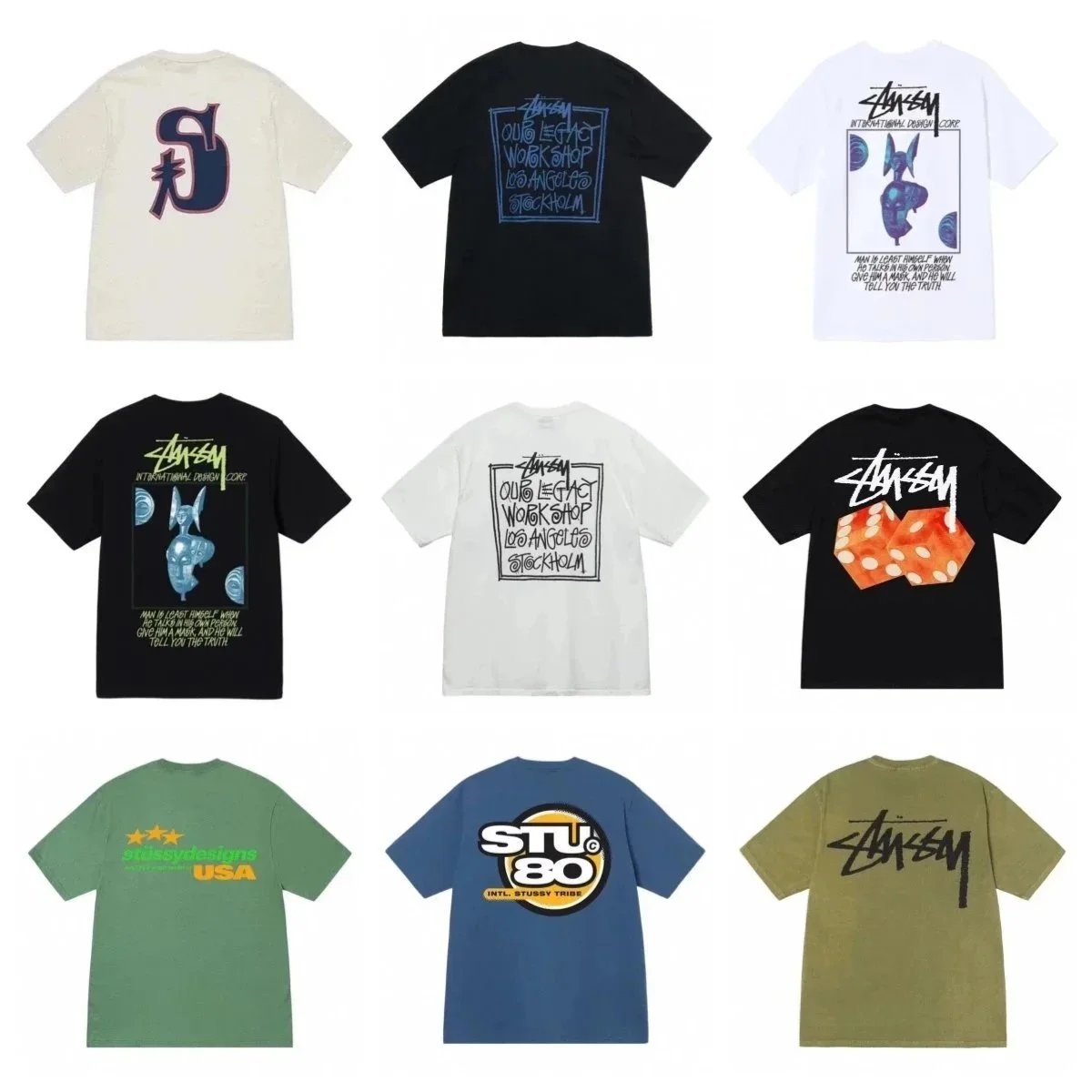
Stüssy Short-Sleeve Graphic Crewneck T-Shirt
MX$231.58Superbuy

Chelsea Club Football Jersey and Shorts Set
MX$239.66Superbuy
 3 QC
3 QC
Graphic Print Short-Sleeve Crewneck T-Shirt
MX$347.37Superbuy
 4 QC
4 QC
Patterned Swimwear Selection: Triangle Bikinis and One-Piece Swimsuits
MX$266.59Superbuy

Short-Sleeve Football Jersey with Graphic Prints and Front Script Logo
MX$239.66Superbuy

Collared Button-Down Shirts with Team Logo Monograms and Embroidery
MX$457.78Superbuy
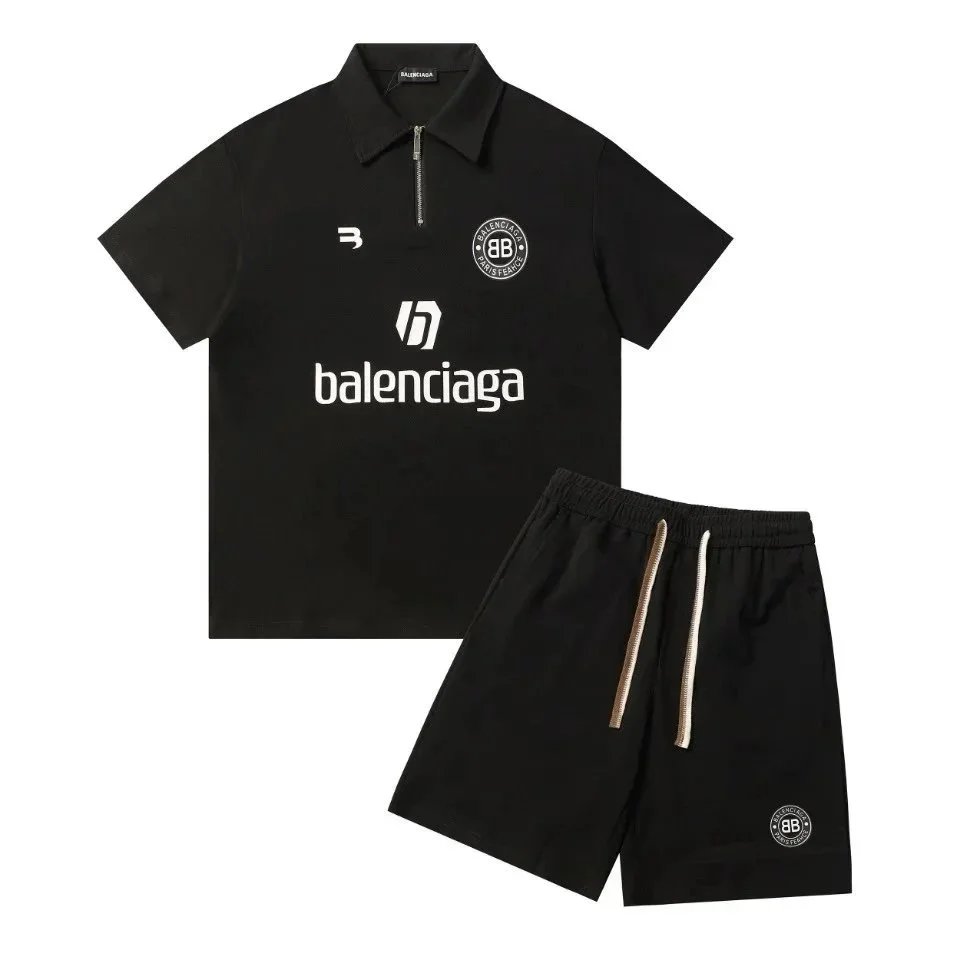
Balenciaga Short-Sleeve Top and Drawstring Shorts Two-Piece Set
MX$702.82Superbuy
Superbuy QC photos
Shopping agents such as Superbuy usually photograph your item at their warehouse before it ships. Compare those QC photos with the product photos and buyer QC sets on RepLooks to check colour, logos and size.
Browse QC photos →How to buy with Superbuy
Pick a find below and check its photos, listing price and QC images.
Open its Superbuy link, sign in and choose the same style and size.
Superbuy buys the item and receives it at its warehouse, where QC photos are usually taken before shipping.
Combine your items into one parcel, choose a shipping line and pay for delivery.
About Superbuy
Understand the separate purchasing and shipping stages, warehouse inspections and forwarding services offered by Superbuy.
When shopping for Chinese goods through Superbuy, the transaction is structured into two distinct payment stages. In the initial phase, buyers pay for the merchandise and domestic delivery inside China. Superbuy then purchases the items, receives them at its processing warehouse, and generates inspection information for initial review. Once goods are logged, buyers can combine multiple orders, select packaging preferences, and initiate the second payment stage covering international freight with an available carrier. The platform also offers manual ordering, link search, freight estimation, and dedicated expert sourcing assistance. RepLooks helps shoppers discover items and browse QC photos, but does not purchase, store, or forward merchandise. Review photos only verify observable physical details and cannot guarantee product authenticity, working function, or international delivery performance. Buyers should always check Superbuy's current storage rules, service fees, and category restrictions before submitting parcels.
Superbuy spreadsheet FAQ
How do I use the Superbuy spreadsheet?
Search or browse the RepLooks spreadsheet, open a find and use its Superbuy link. Confirm the same style and size on Superbuy before you pay.
Where can I see Superbuy QC photos?
Once your item reaches the Superbuy warehouse, its QC photos usually appear in your Superbuy account. Before ordering, compare the buyer QC photos collected on RepLooks.
Is RepLooks part of Superbuy?
No. RepLooks is an independent spreadsheet. Product links open on Superbuy, which handles orders, payment, warehouse checks and shipping.
This is an independent resource. Confirm product options, fees and shipping with the buying platform. Prices come from seller listings; available QC photos do not guarantee future orders.
Other buying platforms
 OopbuyOopbuy Spreadsheet
 JoyaGooJoyaGoo Spreadsheet
 KakobuyKakobuy Spreadsheet
 LitBuyLitBuy Spreadsheet
 LoloBuyLoloBuy Spreadsheet
 BoonbuyBoonbuy Spreadsheet
 USFansUSFans Spreadsheet
 SugargooSugargoo Spreadsheet
 LovegobuyLovegobuy Spreadsheet
 LoongbuyLoongbuy Spreadsheet
 CSSBuyCSSBuy Spreadsheet
 OrientdigOrientdig Spreadsheet
 HipobuyHipobuy Spreadsheet